Doubt becomes certainty
The customer stops deciding on imagination and decides on what's on the screen: your product, in their space, to scale and in their light.
For interior retailers, online and in the showroom
The biggest brake on an interior purchase isn't price, it's the question “will this fit my home?”. Your customer uploads a photo of their own room and sees your product in it within 10 to 15 seconds — on your product page and at the table in your showroom.
Online · 20 minutes · we put it live on your own product page · no obligation
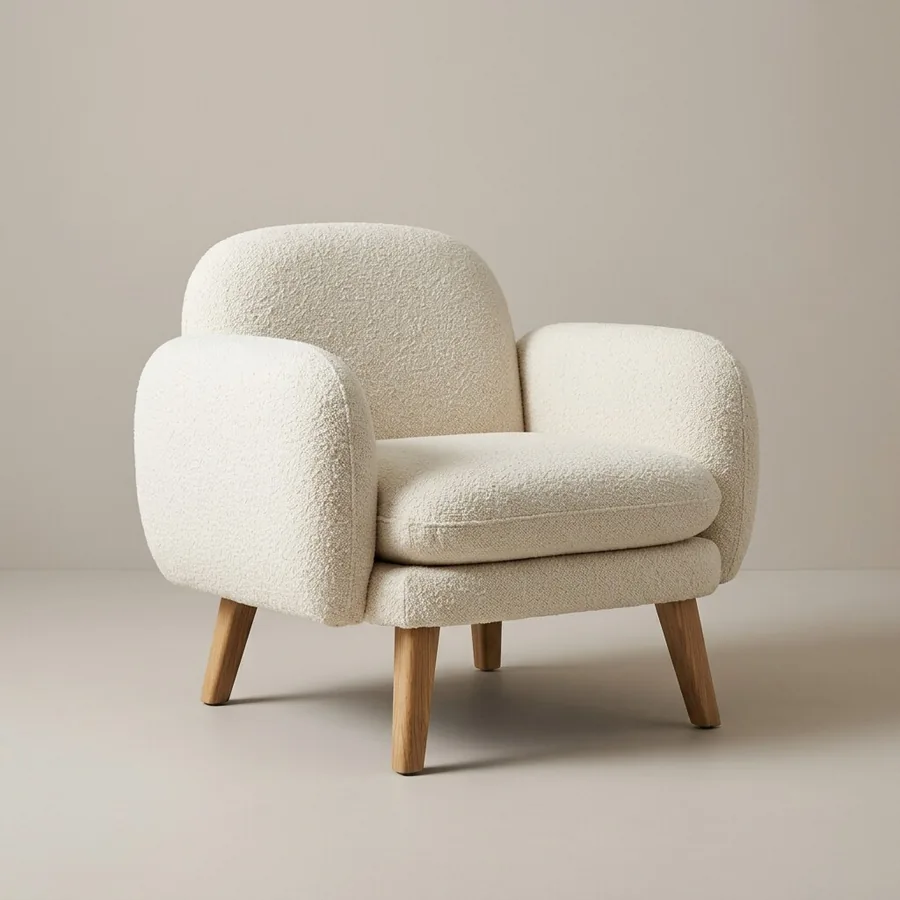 1
1
It's already on your product page. Veyra reads it directly from there.
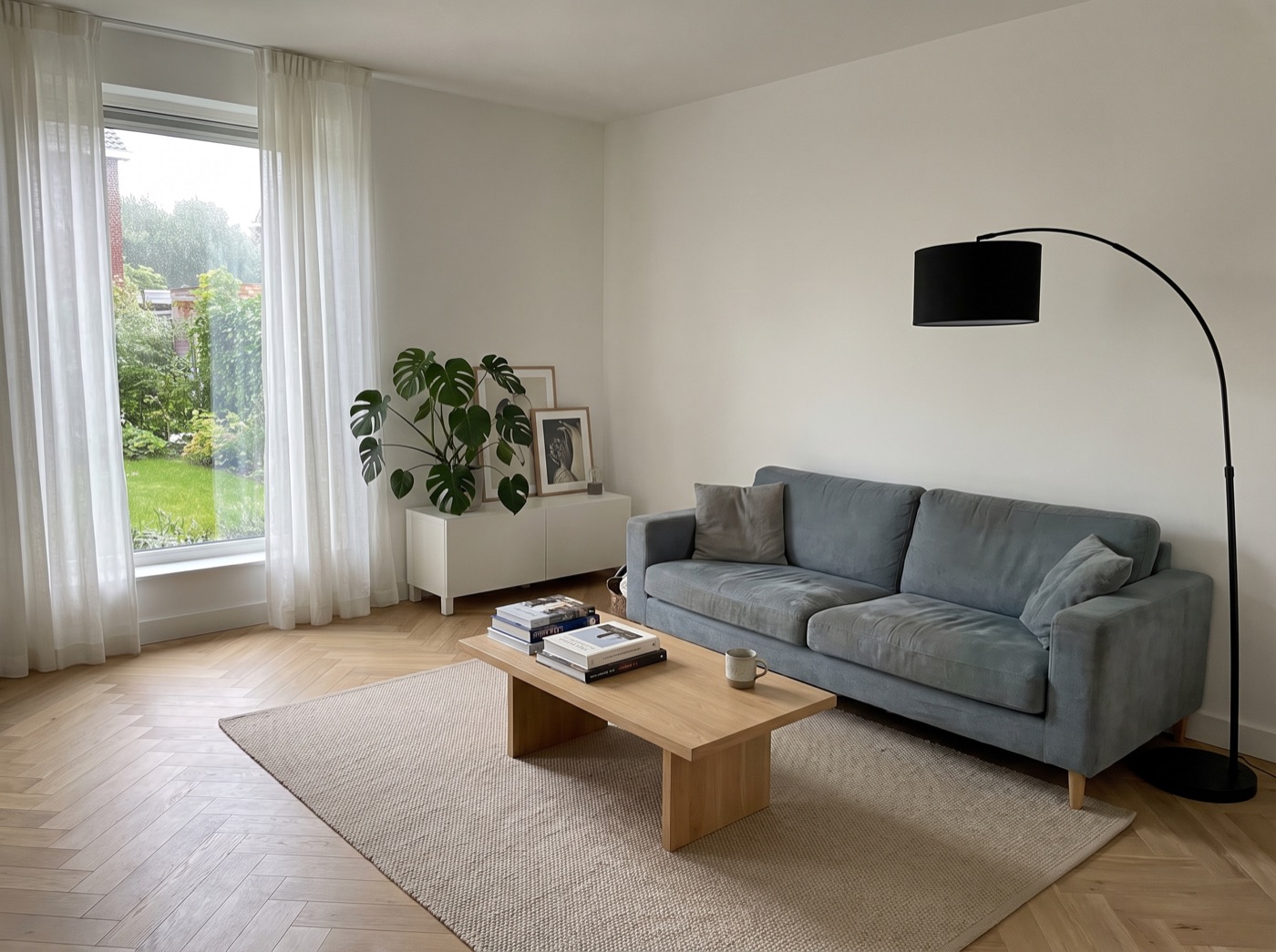 2
2
Your customer uploads a photo of their own room.
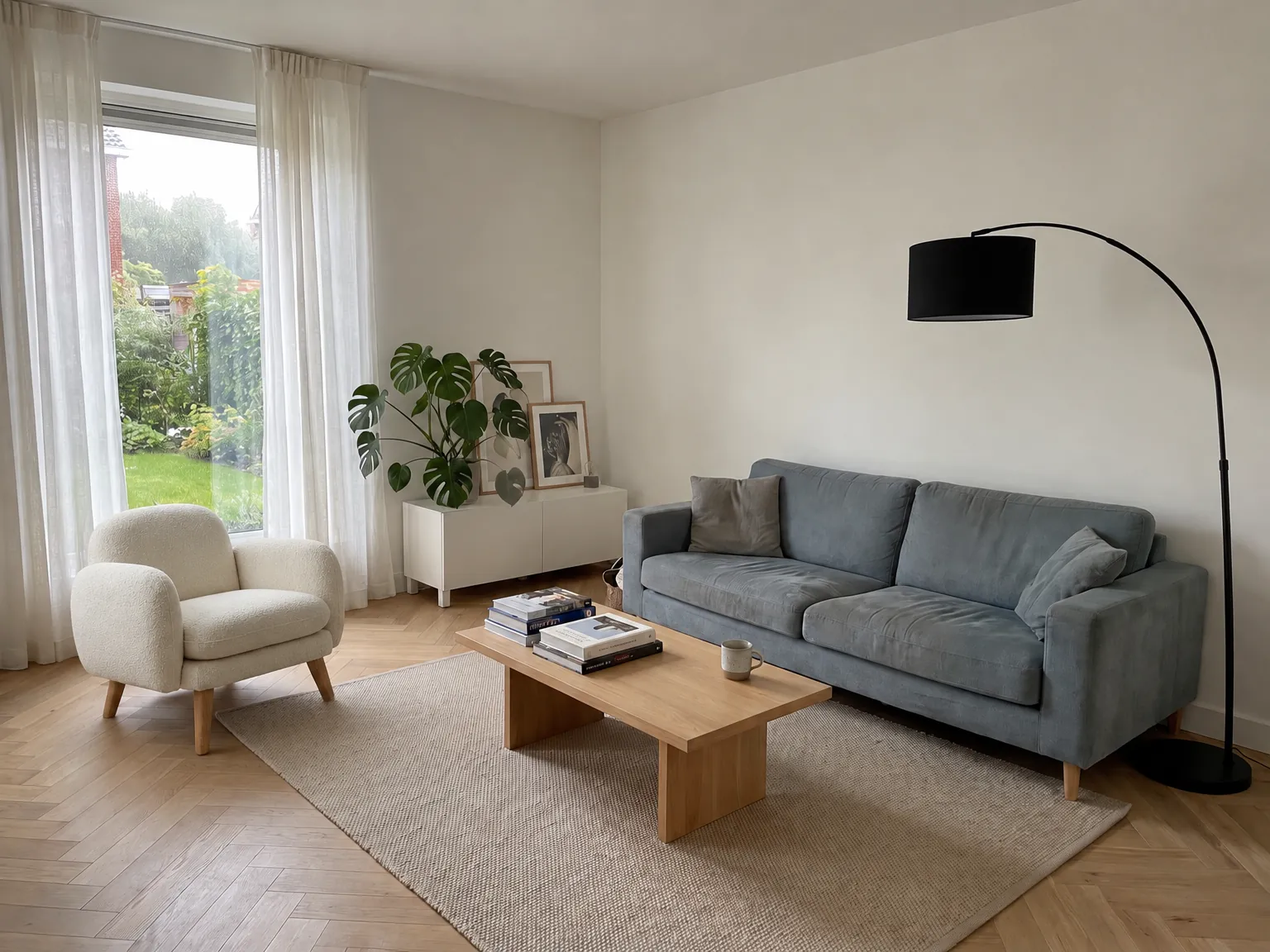 3
3
In the spot where it will be placed, in the room's light.
 Veyra Studio · beta
New: product photos made with AI
Veyra Studio turns your existing product photos into packshots, lifestyle images and banners in your own brand style. Try it with 25 free credits.
See Studio →
Veyra Studio · beta
New: product photos made with AI
Veyra Studio turns your existing product photos into packshots, lifestyle images and banners in your own brand style. Try it with 25 free credits.
See Studio →
Redesigning your own room? Go to Veyra Shop
In short
What your customer sees online, and what your salesperson shows on the floor — in one clip. Sound on.
Why it works
“Will this color work with my floor?” — “Isn't that too big for that corner?” You don't answer those with another studio photo. You answer them with the customer's own room.
The customer stops deciding on imagination and decides on what's on the screen: your product, in their space, to scale and in their light.
Returns on large furniture cost you margin, transport and handling. Someone who already saw it at home sends it back less often.
It happens inside your page, in your styling. From the result the customer moves on to whichever action you choose. Veyra stays invisible.
Try it yourself
A sample product page carries the very widget you would install. Upload a photo of your own room and see what comes out — no account, no appointment.
Try the widgetWhat you are committing to
Three questions hold an owner back: what it costs up front, how long they are tied in, and whether it fits what they actually sell. Answered here, rather than only on the call.
No development project, no 3D models and no agency writing a quote for it. You are not buying software out of your own pocket: you pay a monthly fee and installation is included.
No annual contract, no minimum commitment and no setup fee. If it does not work for your range, you stop at the end of the month and we take it off again.
We match the option groups to what you sell — model, fabric, colour, size, finish. The image therefore shows what your customer would actually order, not something that resembles it.
Two places
Webshop
A button under your product opens the widget. The visitor uploads a room photo and sees your product in it — no account, no app, without leaving your page.
Showroom
The same widget on a tablet in your showroom. The customer shows a photo of home, the salesperson drops in any product from your range — including what isn't on display.
How it works
Veyra runs on the product pages you already have. We switch it on together with you.
One short screen share. By the end the button sits under your products and you've seen it work yourself.
Which made-to-measure options the customer gets, and which action follows the image: a quote, the basket, a showroom appointment or something of your own.
Uploads, generated images and click-throughs per product, in your own dashboard. In your inbox every Monday morning.
Platforms
It's a single line of script on your product page. For these platforms, we have a step-by-step guide. Another platform? It works anywhere you can add a script to your page.
Made-to-measure options
For made-to-measure products, “the product” isn't a fixed photo but a configuration. Veyra carries that configuration through: the image the customer gets back shows what they would actually order.
Havana
Upload a photo of your room — we place the product in it.
Curtain type (optional)
Ring finish (optional)
Number of panels (optional)
Hem finish (optional)
Width (cm)
220
Height (cm)
150
Show it in my room
Powered by Veyra
A real made-to-measure configuration: every choice above steers the image the visitor gets back.
We set the option groups up around what you sell. A sample of what's possible:
After the image
The best next step differs per shop and per product. Under the result sits the button that fits your sales process — one, or several side by side.
For made-to-measure work without an off-the-shelf price. The configuration and the image travel with the request.
The direct route for stocked products: from image to your existing checkout, no detour.
For those who want to feel it first. The customer walks in with the image that got them excited.
The customer leaves an email address and gets the image sent over. You're left with a lead.
One button from image to order, for products that need no further calculation.
Request a swatch pack, ask for a callback, or push a message into your own system — we send it wherever you want it.
Every action is counted separately in your dashboard, so you see which next step works best for which product.
Your styling. Button label, color and placement follow your own design. The customer sees your shop, not our widget.
Desktop, tablet and mobile. The same widget runs on your product page and on the tablet in your showroom.
No 3D models needed. Veyra works with the product photos you already have. No scanning setup, no modelling project, no app download for your customer.
Privacy by design. The room photo is deleted immediately after assembly, and your dashboard only shows totals.
No setup fee, no commission on your revenue, cancel monthly. AI usage is billed per render, from €0.15.
Demo
No slide deck. We ask for one link to a product page in advance, put Veyra on it, and you upload a room photo yourself. After that you know what it costs and when you could go live.
We put the widget on a product page you choose, in a preview only we can see.
Not us. You see for yourself what comes out, including when it disappoints.
Which plan fits you, what usage costs at your visitor numbers, and when you could go live.
Leave your details and we usually reply within a working day.
Next step
Twenty minutes, online. We put Veyra live on a product page you choose, you upload a room photo yourself, and by the end you know what it costs and when you could go live.
You pick your own slot and get a calendar invitation with the video link straight away. The calendar is open four weeks ahead.