Veyra Studio · beta
AI product photography for your online store
Veyra Studio is an AI product photography tool for online stores. You upload the product photos and specifications you already have; Studio turns them into packshots, lifestyle images, detail shots, social formats and banners in your brand’s style. You review every image before you export it. Studio is in beta: new accounts get 25 free trial credits.
25 trial credits · 14 days · no credit card needed
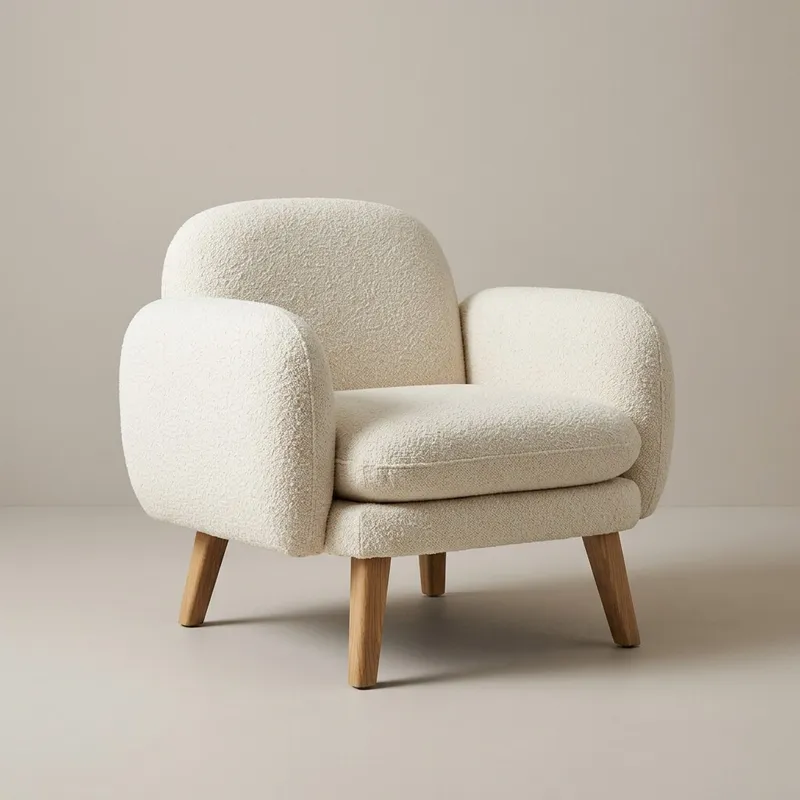
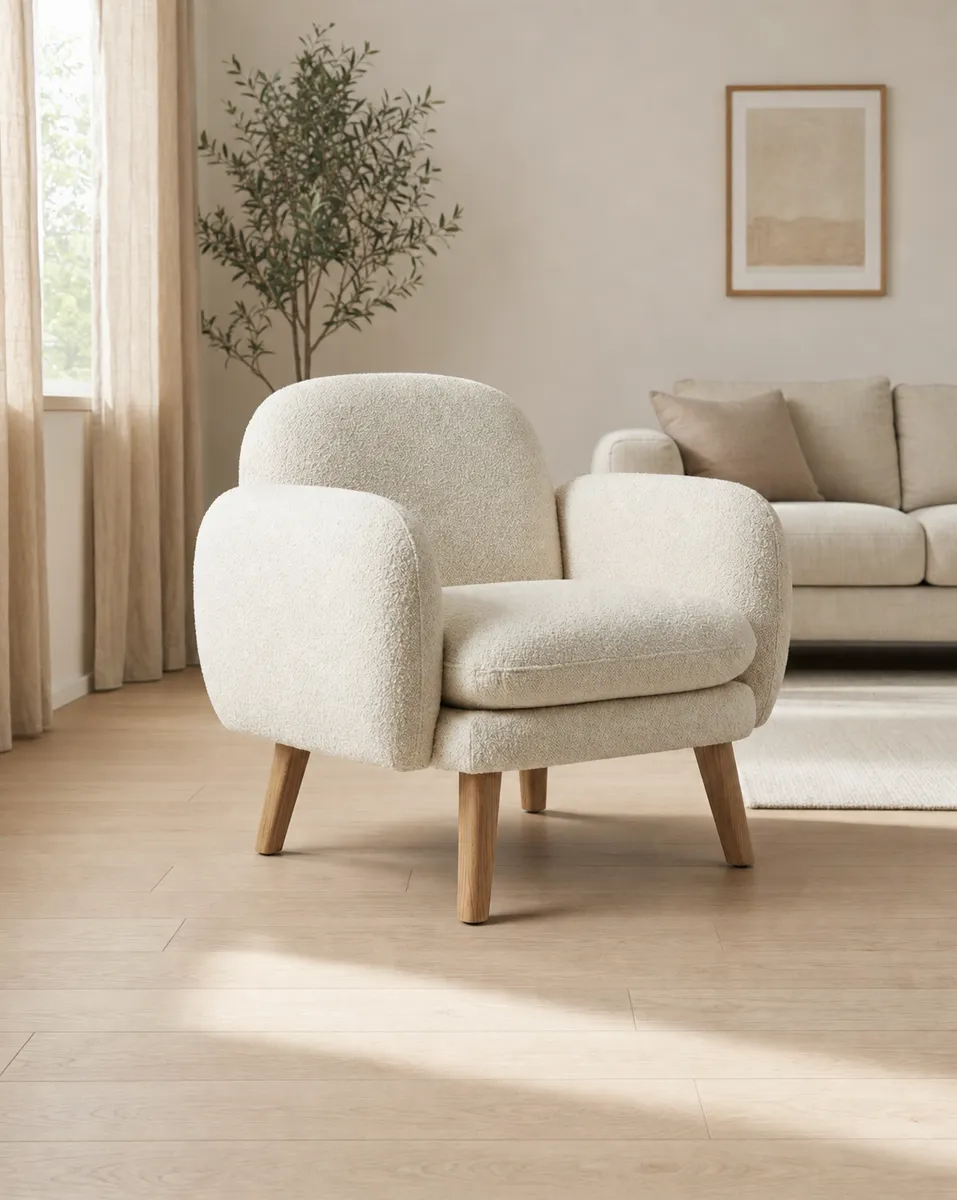
One product photo, a complete image set
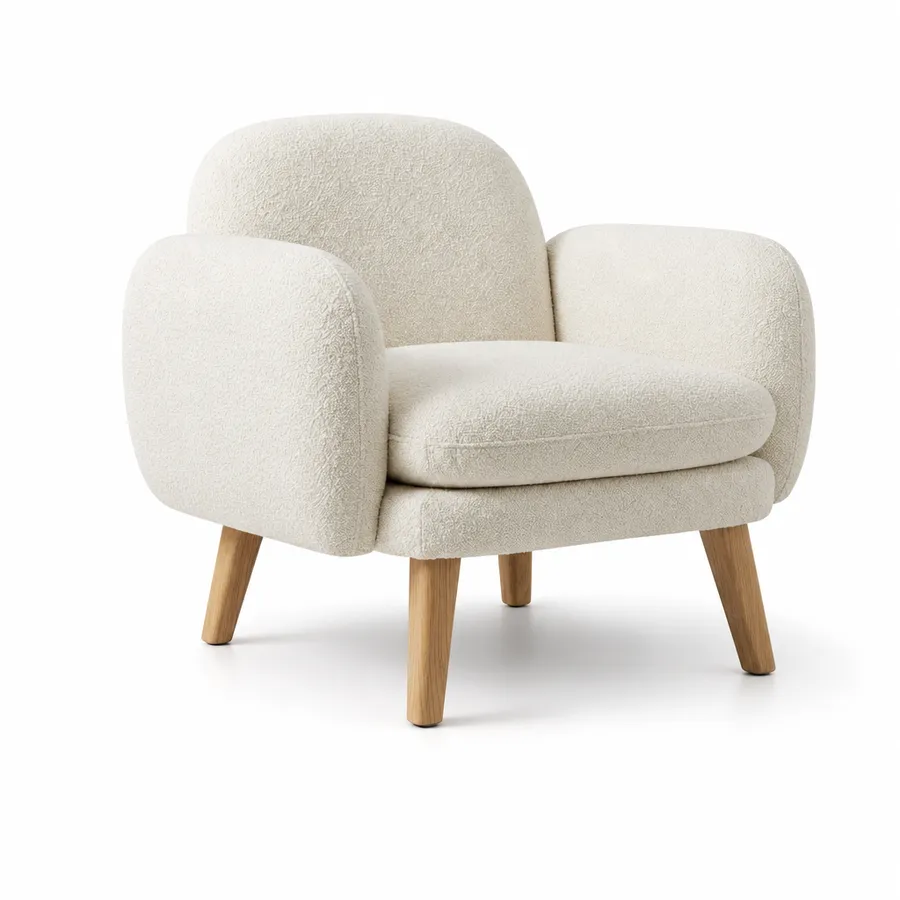
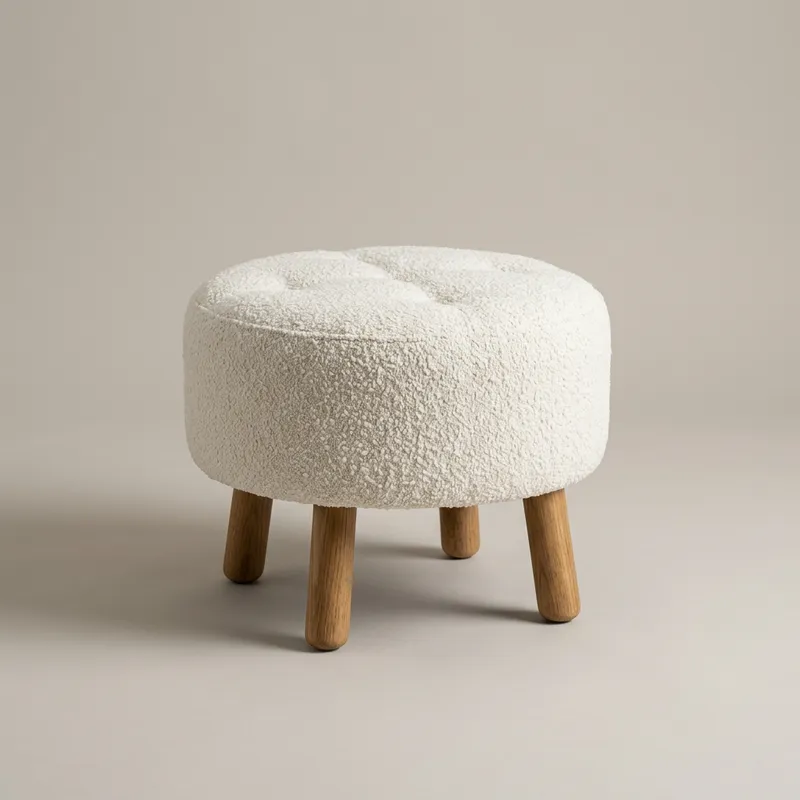
Studio keeps the product itself the same: shape, material, color and proportions come from your photos and specifications. Only the setting changes. That gives you images for your product page, your social channels and your banners from every product.
Bouclé armchair
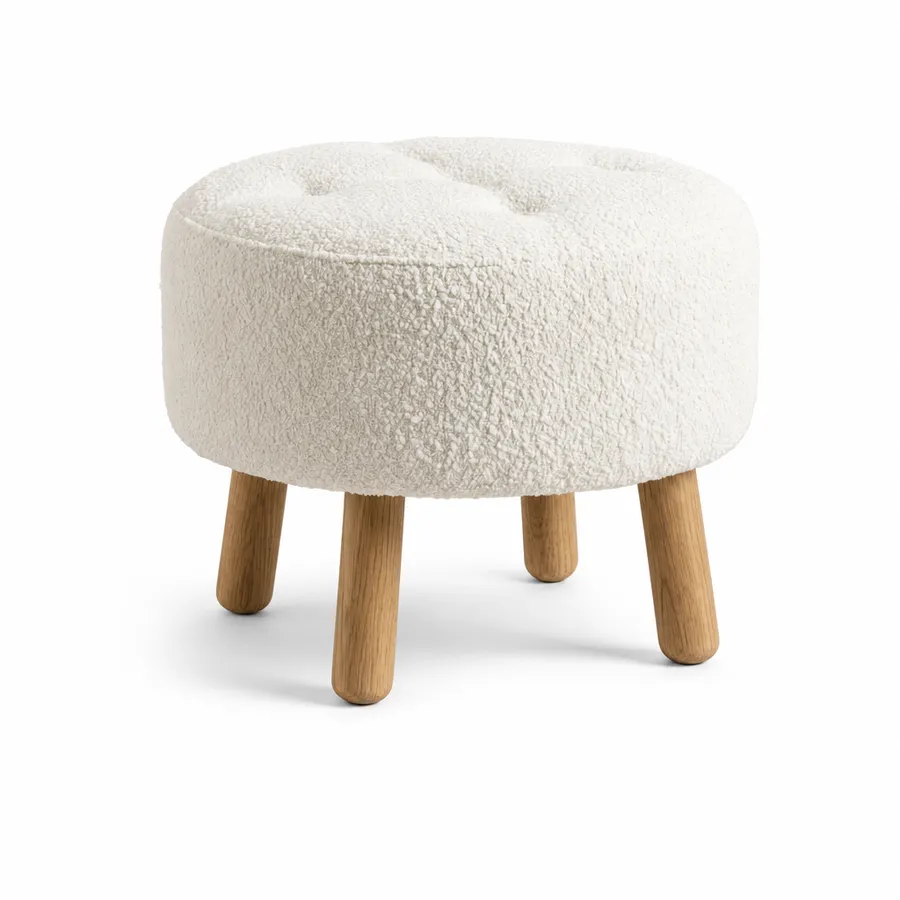
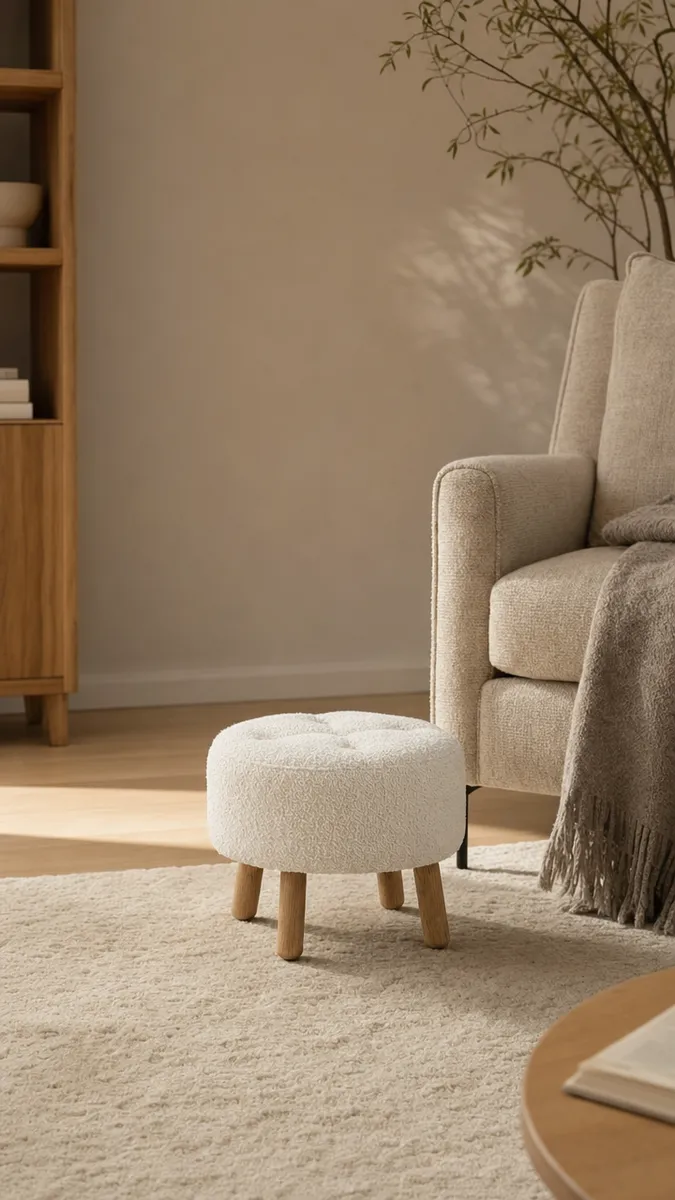
Bouclé ottoman
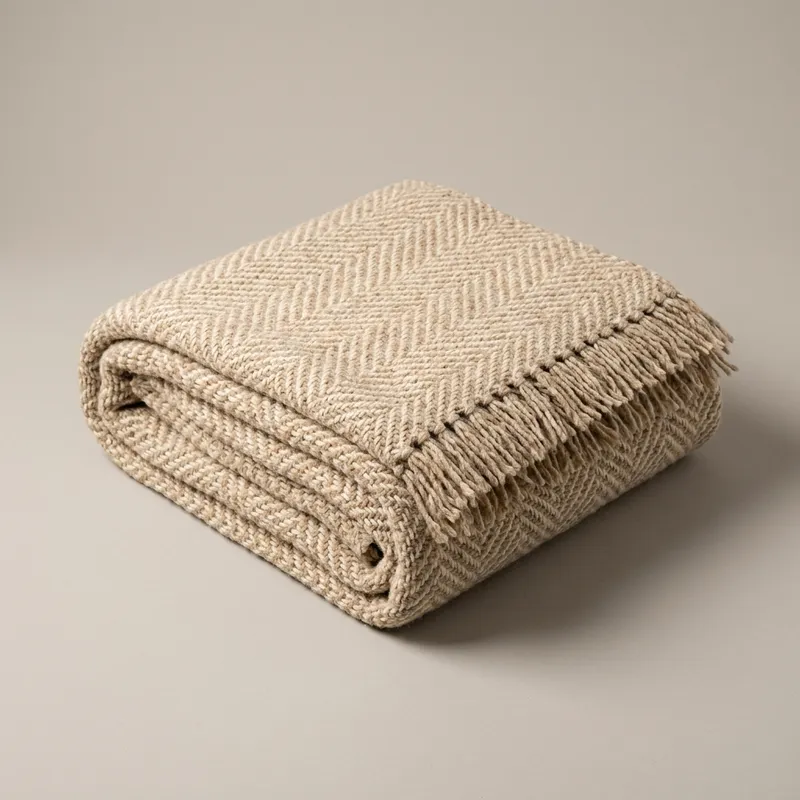
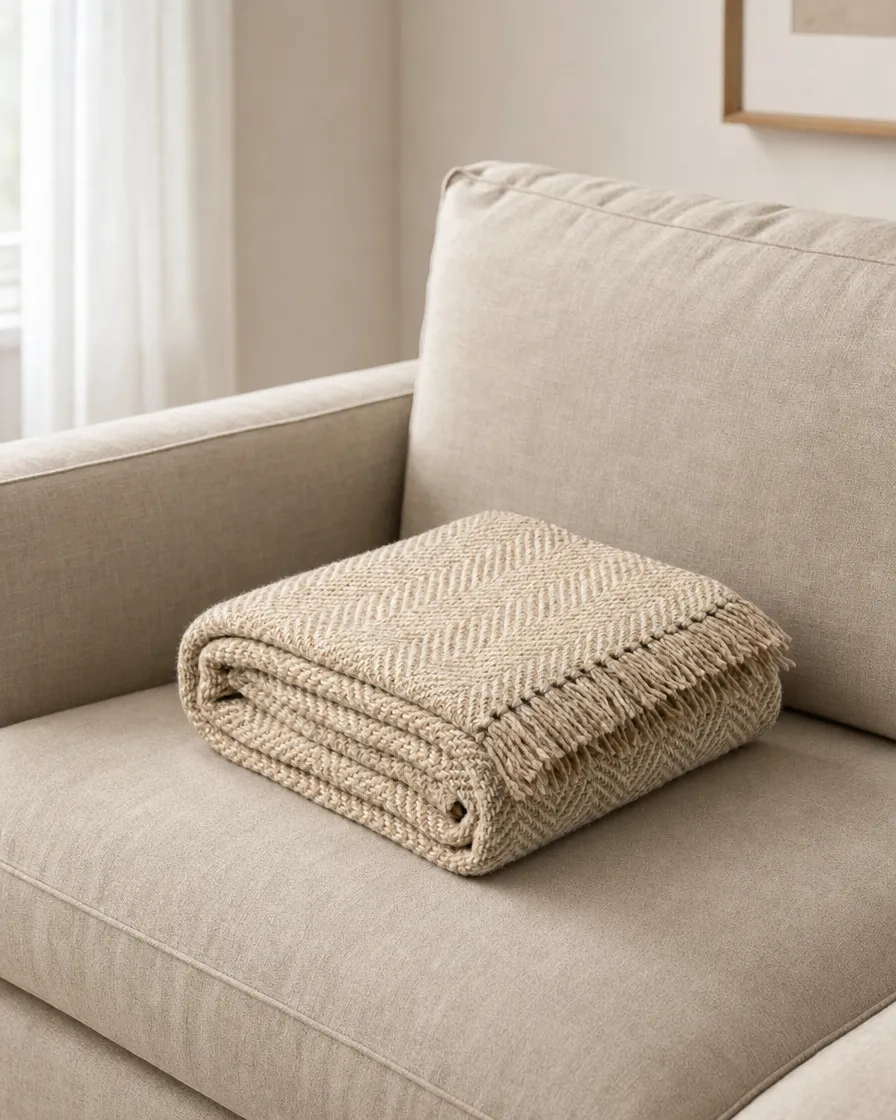
Wool throw
Floor lamp
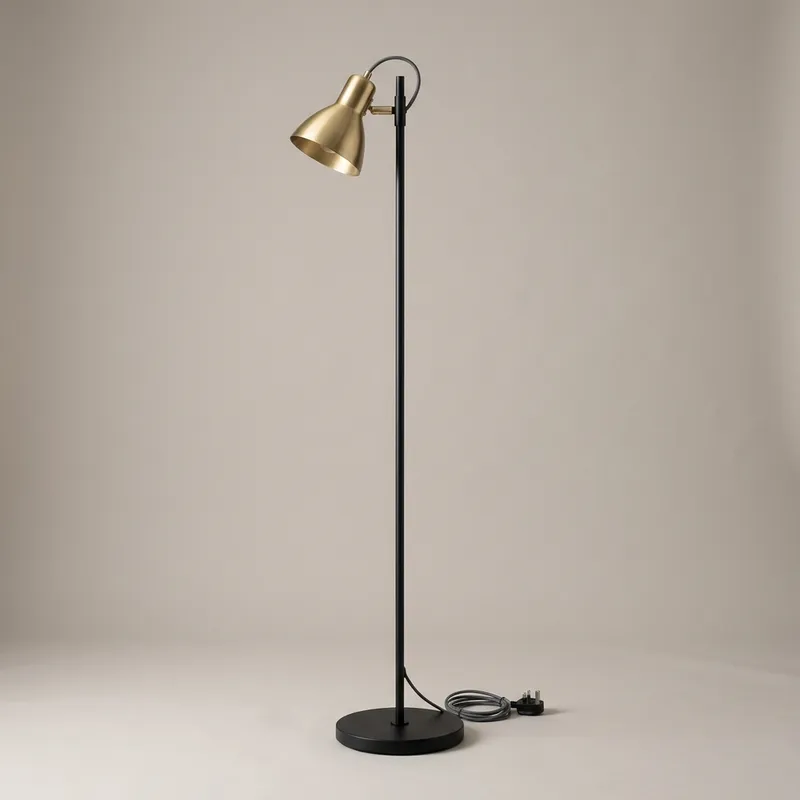
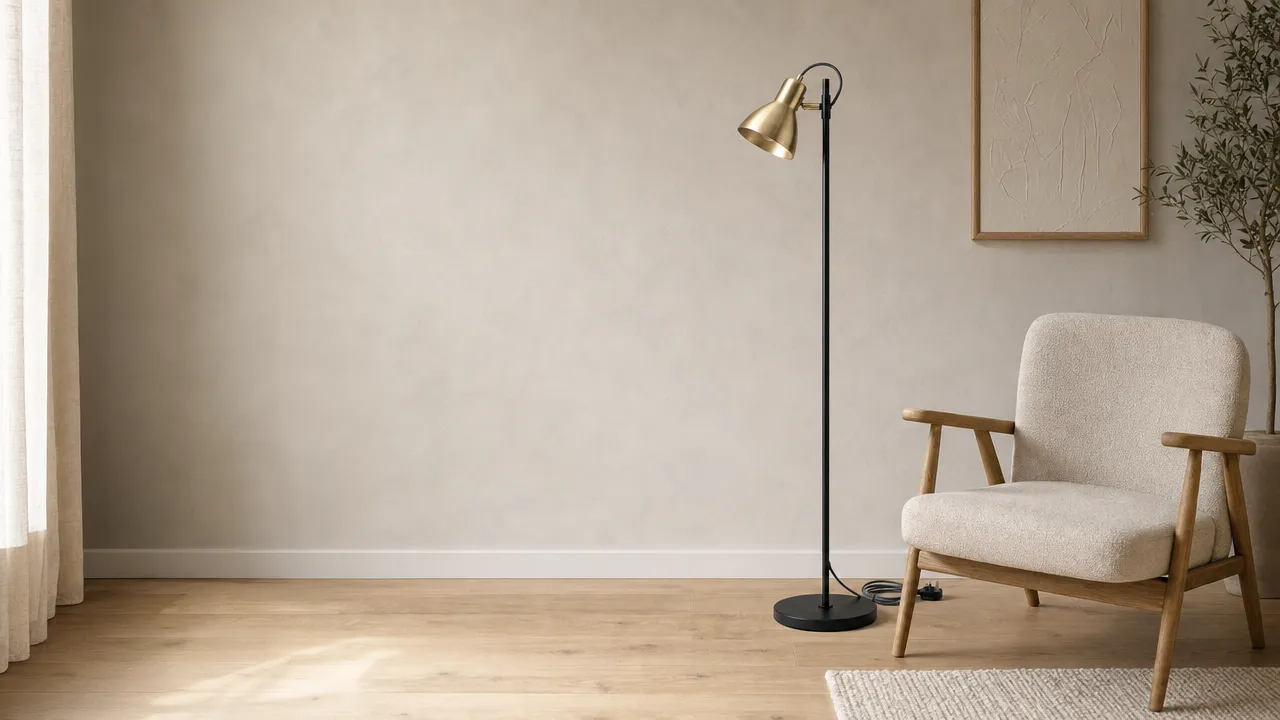
All examples are Veyra demo products, made with Studio. No customer material.
From product photo to image set in five steps
-
1
Add your products
Connect your store, upload a CSV or drop in a folder of photos. Studio checks every photo for sharpness, lighting and size.
-
2
Check the details
Dimensions, material and fixed features are locked per product. The dimensions set the scale in the image, so a side table never ends up the size of a cabinet.
-
3
Set your brand style
In the brand profile you choose style, lighting, mood and background, plus the rules that always apply. Test the profile on one product first.
-
4
Start a batch
Pick a shot list, for example packshot, lifestyle and story, and the products. Large batches of 50 images or more are delivered within 24 hours at half the credits.
-
5
Review and export
Approve each image, adjust it with a short instruction or have it made again. Then export in the formats you need.
What you get
-
Five image types. Packshot, detail, lifestyle, social and banner. Choose per product which ones you need.
-
The formats of your channels. Store 2000×2000, Instagram 1080×1350, story 1080×1920, banner 1920×1080 and portrait 3:4 or 2:3. As JPEG or WebP, never upscaled.
-
You stay in control. No image goes out unseen. Every image gets a fidelity check as a guide; approving is up to you.
-
One brand style. The brand profile applies to every batch, so your whole range looks consistent.
-
Careful with your files. Your photos reach the image model without metadata and stay private. Every image Studio makes carries an AI label in its metadata.
Veyra Studio · beta
Try Studio free on your own products
You get your own Studio environment with 25 trial credits. An image costs 2 credits, so that is about twelve images. No credit card, no subscription.
- 25 free trial credits, good for about 12 images
- 14 days to test Studio on your own products
- No credit card and no subscription needed
Frequently asked questions about Studio
What is Veyra Studio?
Veyra Studio is AI product photography for online stores. You upload product photos and specifications; Studio makes packshots, lifestyle images, detail shots, social formats and banners in your brand’s style. You approve every image before you export it.
What do I need to get started?
The product photos you already have, ideally from a few angles, and the product’s dimensions. No photo studio or 3D model needed.
How do credits work?
Studio charges per image made. An image costs 2 credits, a 4K image 4 credits. Batches of 50 images or more cost half. A trial account gets 25 credits.
Does my product stay the same?
That is what Studio is built for. Shape, material, color and proportions come from your photos and specifications and are locked; Studio changes the setting. Every image gets a fidelity check, and you approve before you export.
Which products does Studio work for?
Studio is made for furniture, lighting, home accessories and home textiles: products you want to show in an interior.
What does beta mean?
Studio works and you can make images for your store with it today, but we are still improving it every week. Your feedback decides what we tackle first.