Furniture Example
An armchair in your customer's living room, before checkout.
An example implementation for a furniture webshop. Your customer uploads a photo of their own room and sees the armchair in it, without leaving the product page.
- Category
- Furniture, armchair
- Installation
- One line of script on the product page
- Customer Choice
- The spot in the room
- Webshop
- Example webshop, fictional
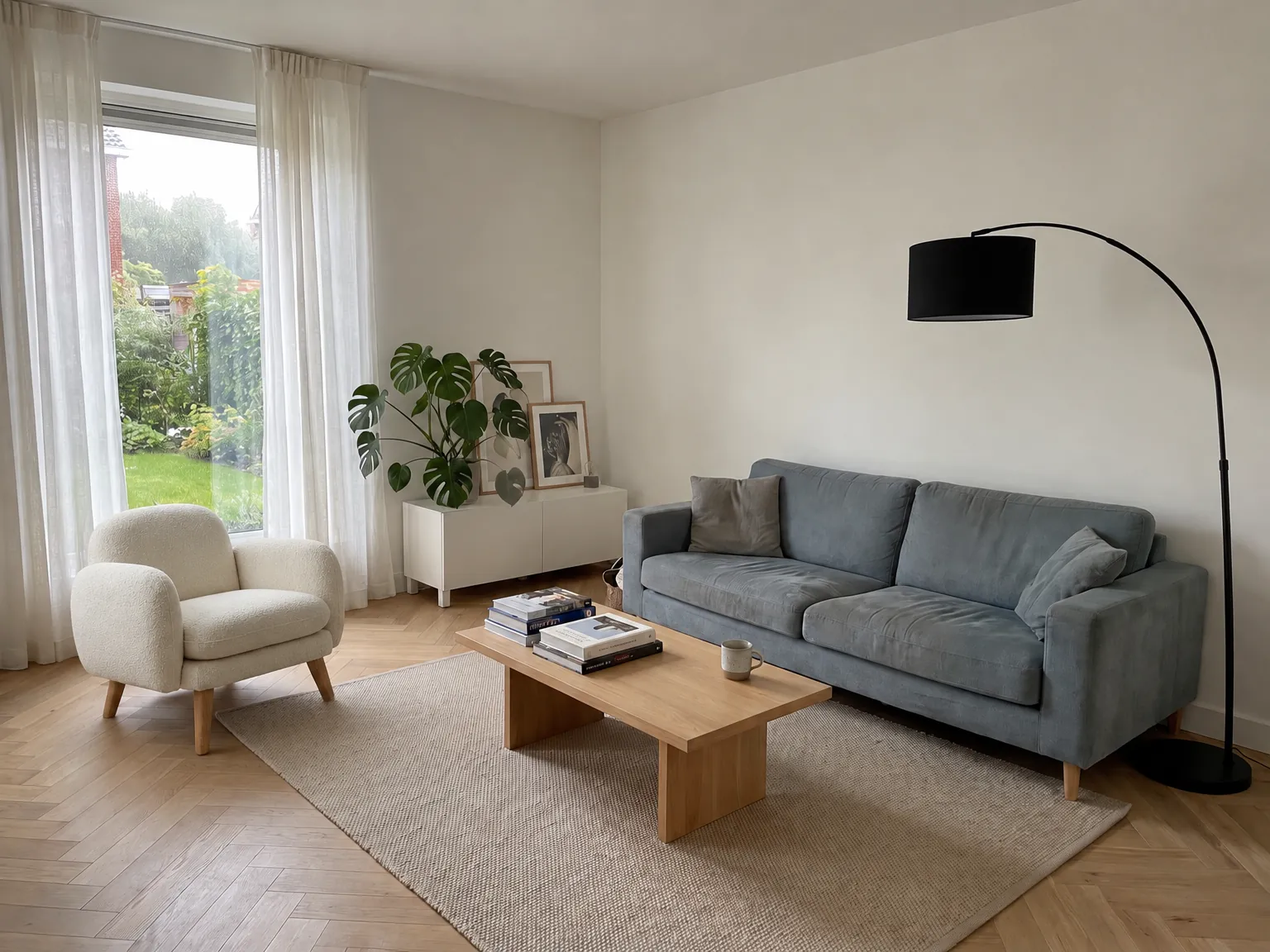 Example
Customer's Question
Does it look good in my living room?
You buy an armchair based on feel. In the studio photo, it's in a bright, empty space. At home, it's next to a sofa, under a window, and on a different floor.
Customers doubt scale and style. Is it too big for that corner? Does the fabric match my sofa? Another product photo doesn't answer that. The customer's own room does.
As long as that question remains open, the customer will hesitate. The best place to answer it is the product page itself.
What we set up
One button, your branding, your assortment.
-
1
The button on the product page
One line of script places the 'View in your own room' button below your order button. The customer doesn't install an app or create an account.
-
2
Choices for your customer
The customer chooses the spot in the room and can re-render the image. If a product has options, like fabric, color, or size, we align those with your assortment.
-
3
Your branding
The button automatically matches your webshop's colors, fonts, and corner-rounding.
-
4
New products appear automatically
The widget reads the photo, title, and price directly from the product page. No need to maintain a product feed.
What your customer sees
Six steps, on your product page.
The steps of the actual widget on an example page. The room photo is Veyra's own photo.
-
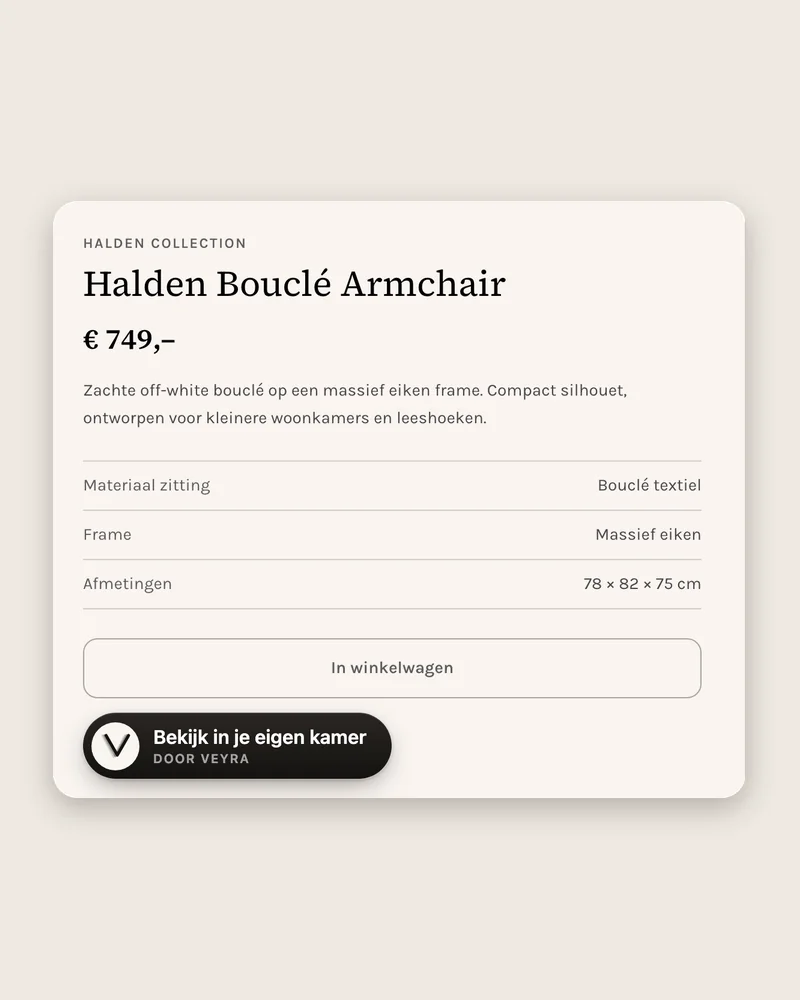 1
1The button on the product page
The customer sees the button below the order button and stays on your page.
-
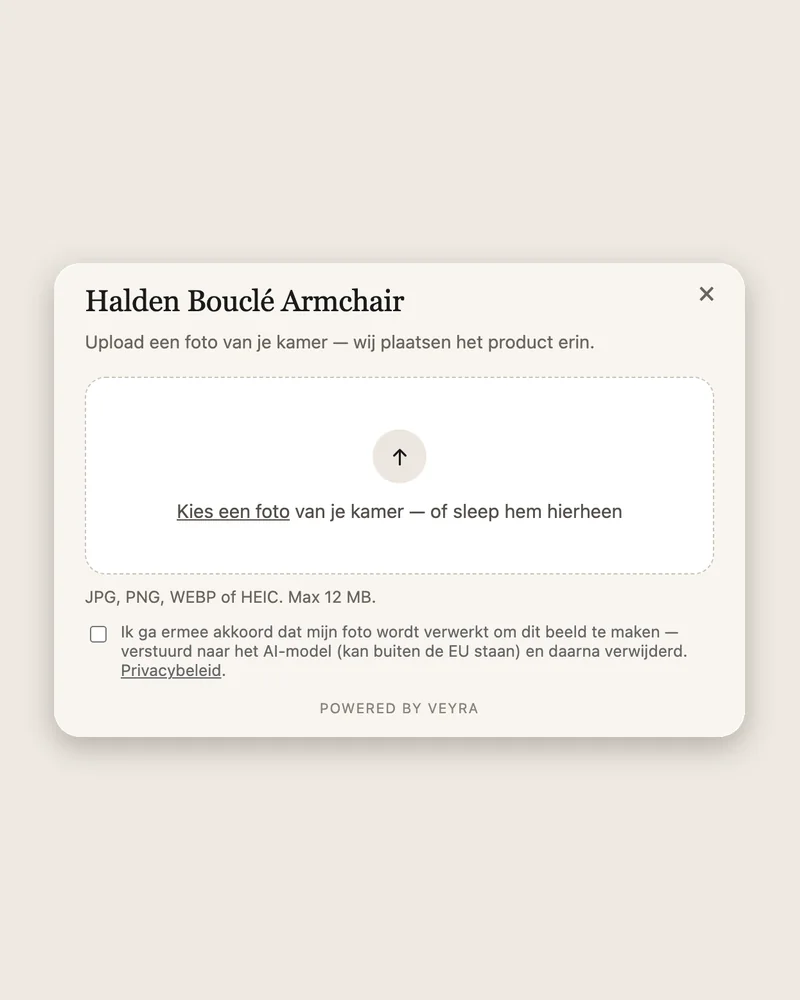 2
2Choose a photo
The customer chooses a photo of their own room and grants permission. For webshops using Veyra, we delete the room photo as soon as the image is ready.
-
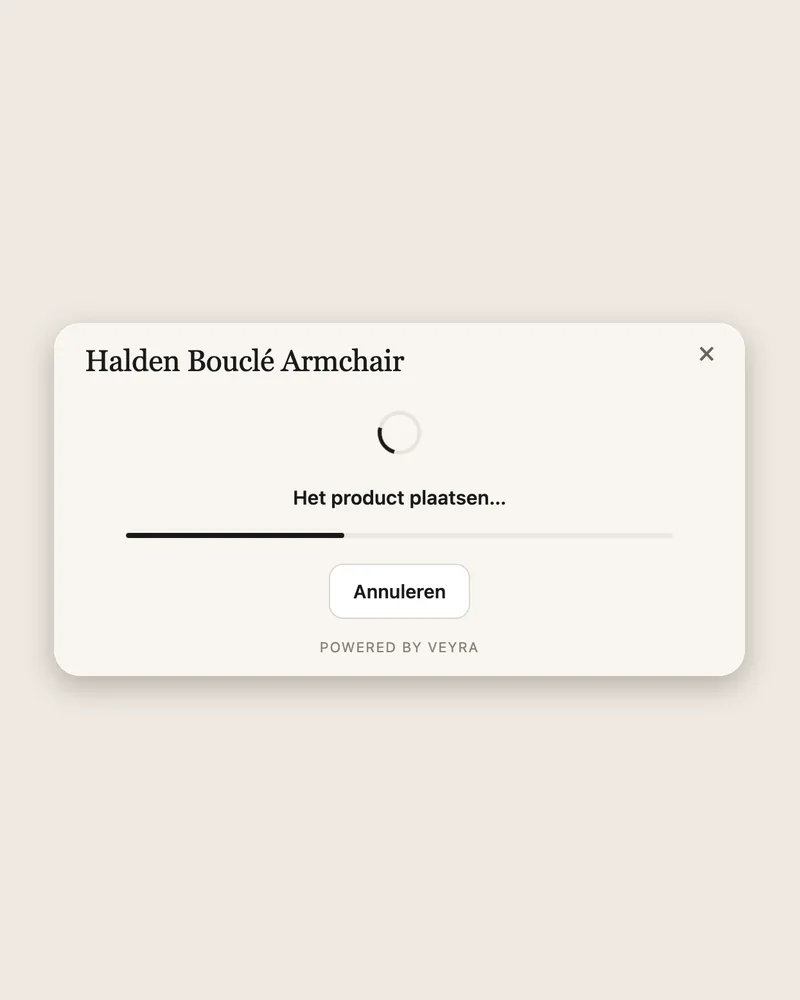 3
3The image is being created
A progress bar shows it's working. The image appears in 10 to 15 seconds.
-
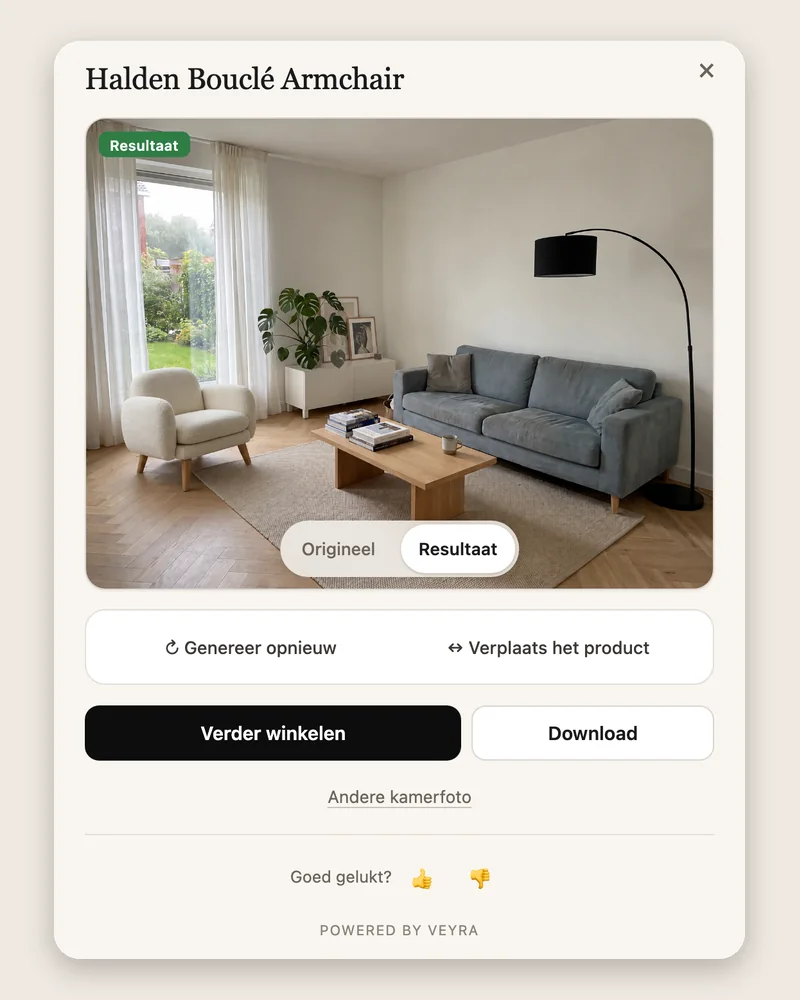 4
4The result
The armchair is in their own room, lit by their own photo. With the Original button, the customer can view the photo without the armchair.
-
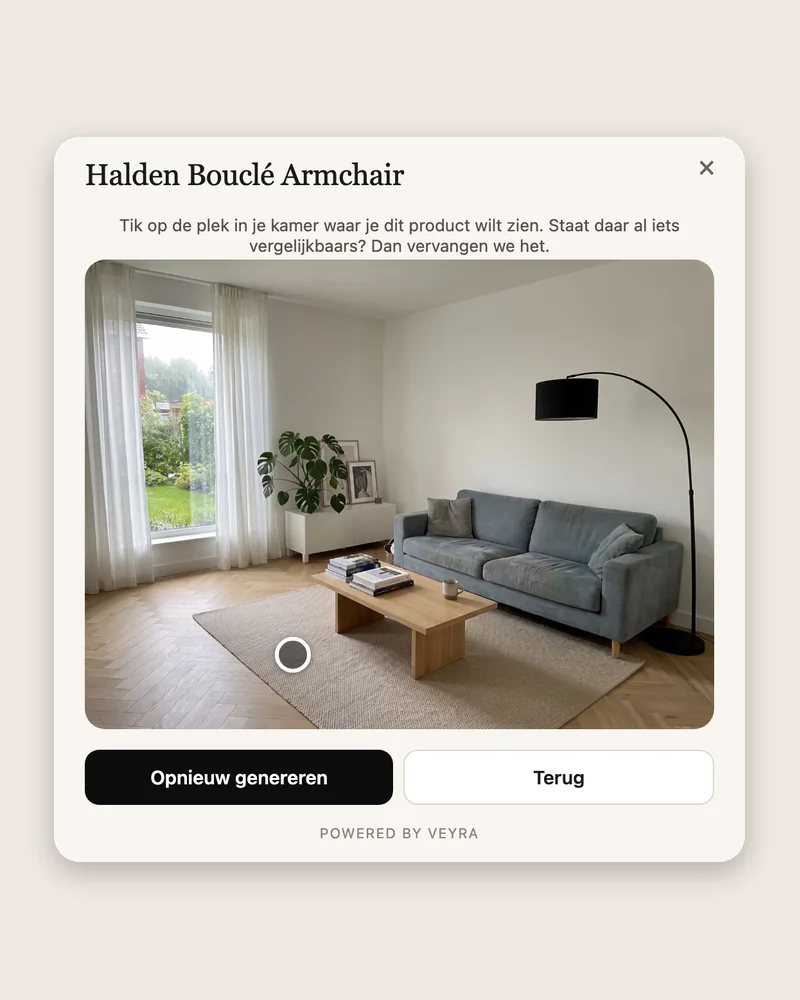 5
5Choose another spot
If the armchair isn't where the customer wants it, they tap another spot in the photo and have the image re-rendered.
-
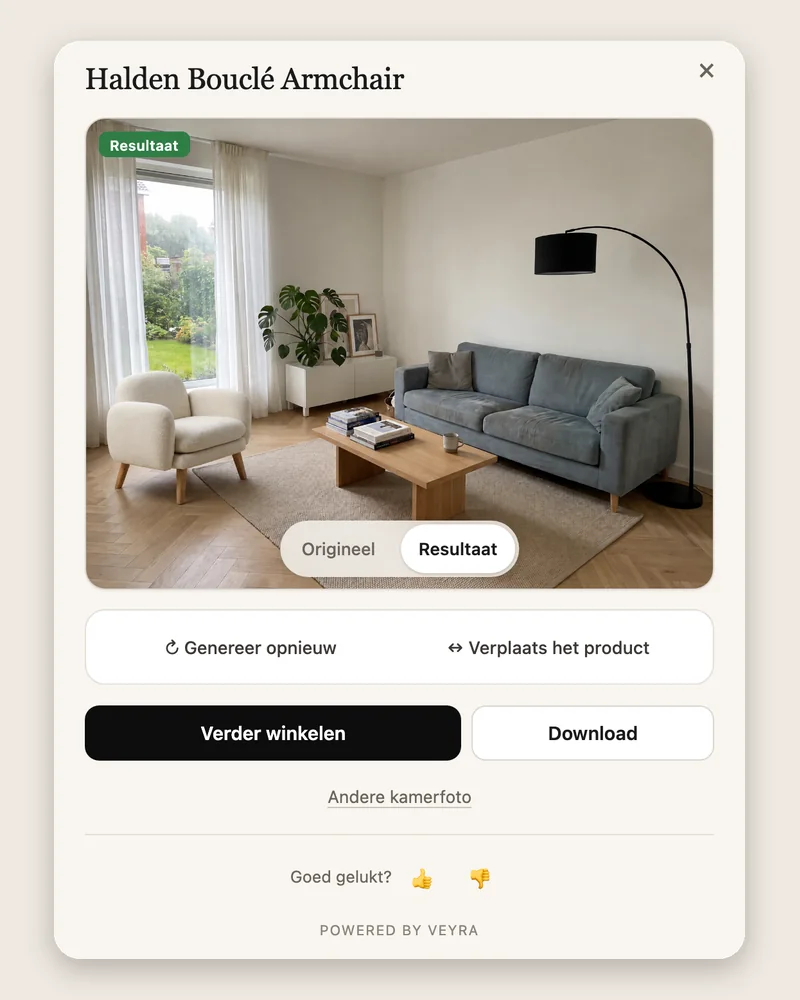 6
6The new image
The same armchair in the chosen spot. The customer can download the image or click through to the action you choose, such as continuing to shop.
This on your own products?
In a 20-minute demo, we'll place the widget on a product page you specify. You upload the room photo yourself.
Before and After
From product photo to your customer's room.
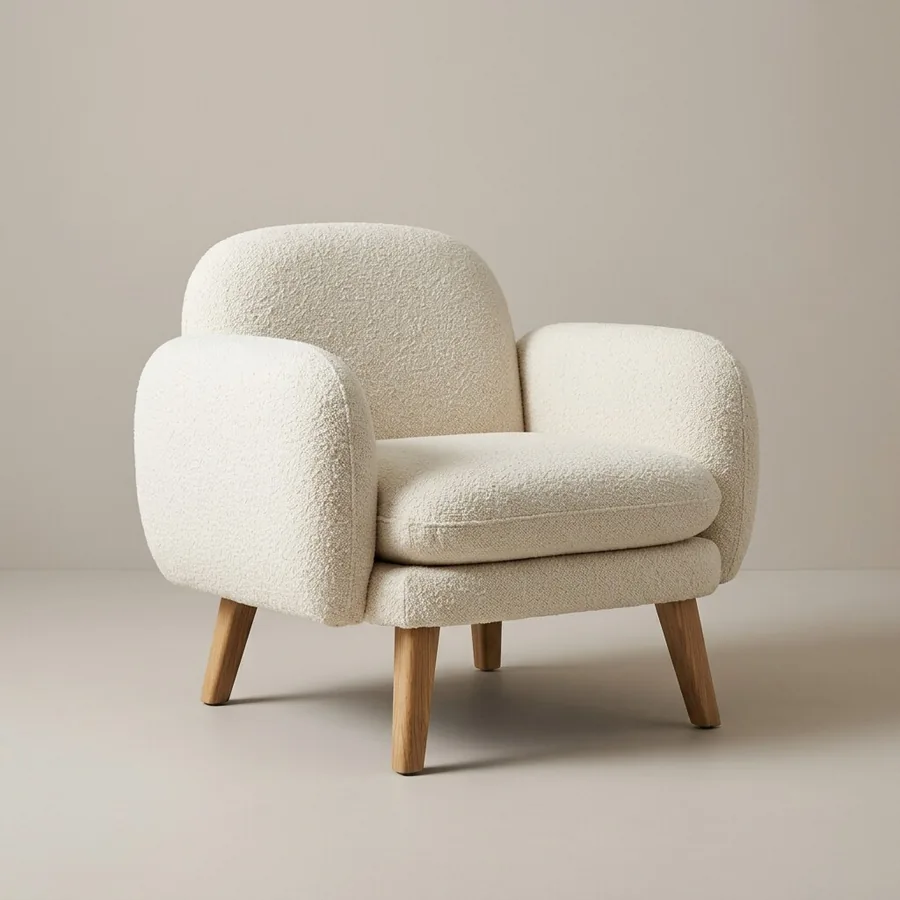 Product photo in the webshop
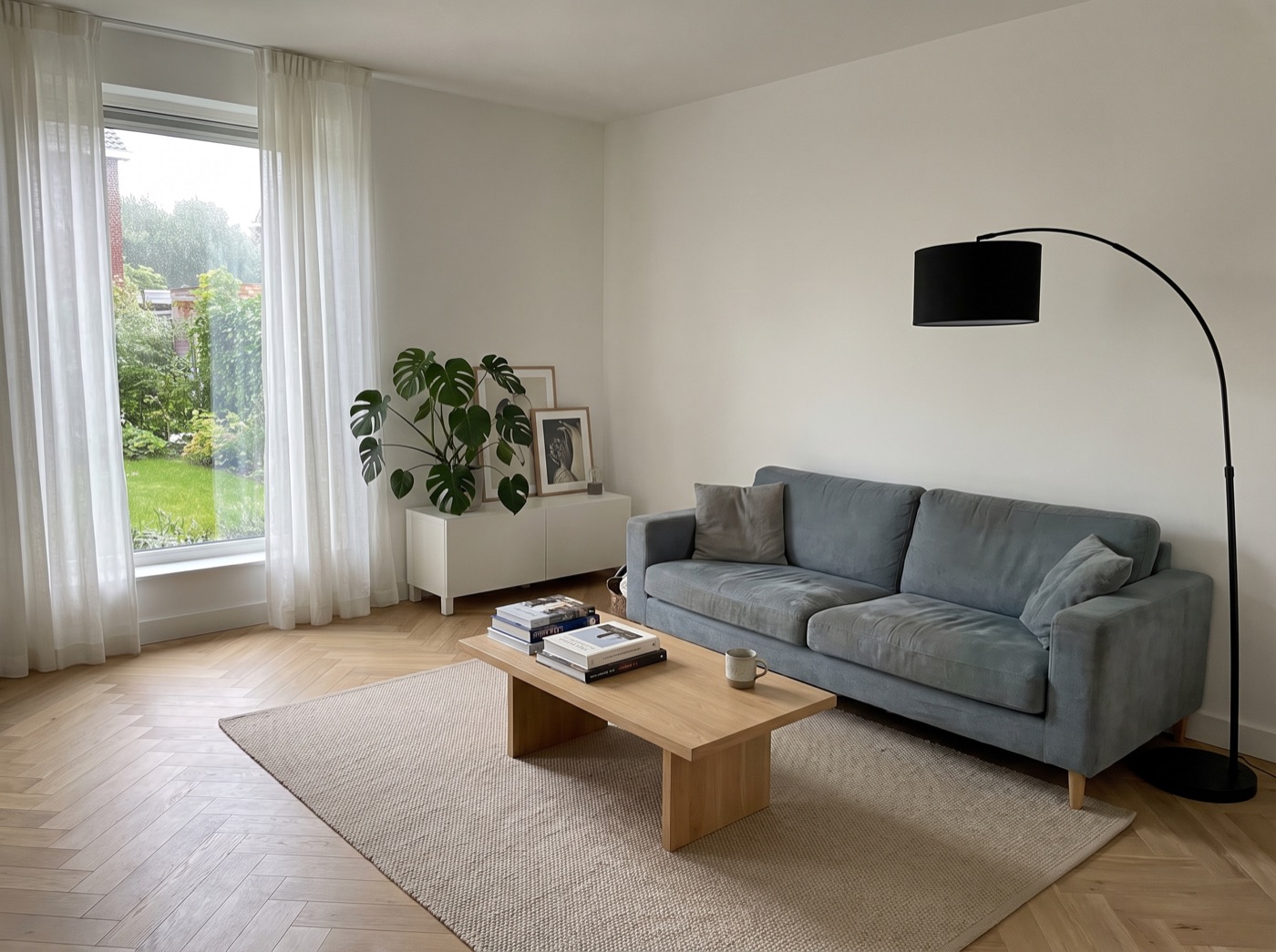 Customer's room
Result
Customer's room
Result
Try it yourself
This isn't a video. Try it yourself.
The widget in this example is the same one your customers would see. Upload a photo of your own room and see what it looks like.
Try the widgetNext step
See it on your own product, not on ours.
Twenty minutes, online. We put Veyra live on a product page you choose, you upload a room photo yourself, and by the end you know what it costs and when you could go live.
You pick your own slot and get a calendar invitation with the video link straight away. The calendar is open four weeks ahead.
- Your own product, in a real room
- The math for your own visitor numbers
- No obligation, no sales pitch